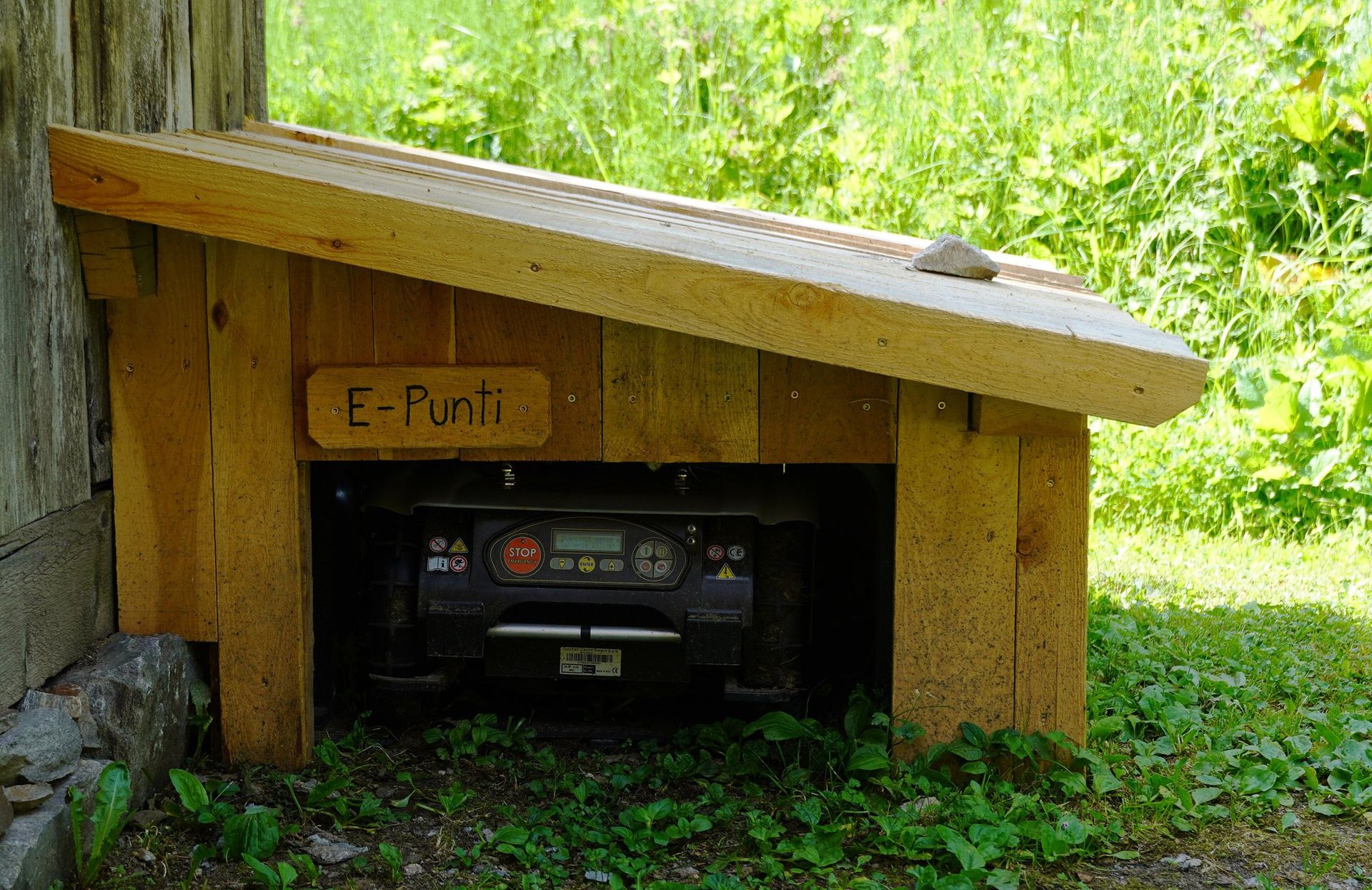
After 32 years of mowing we have learned one thing about winter: machines rarely fail in January — they fail on the first warm day in April, because of what happened (or didn't) in November. A robot mower is no exception. Its lithium battery, electronics, sensors and blade disc all prefer a clean, dry, frost-free rest.
This guide works for wired and wire-free models alike — from a classic Husqvarna Automower to RTK and LiDAR machines such as Mammotion LUBA or Navimow. Always check your own manual for the exact battery charge level and storage temperature.
When to stop mowing
Grass growth slows sharply when soil temperature drops below about 8–10 °C. Keep mowing while the grass still grows, but stop before regular frost. Never mow frozen grass: frozen blades break and turn brown, and the wheels leave marks that last until spring. Many apps have a frost or temperature guard — switch it on in autumn. For the last few cuts raise the cutting height by 5–10 mm; slightly longer grass survives the winter better (see our lawn care section).

Winterising, step by step
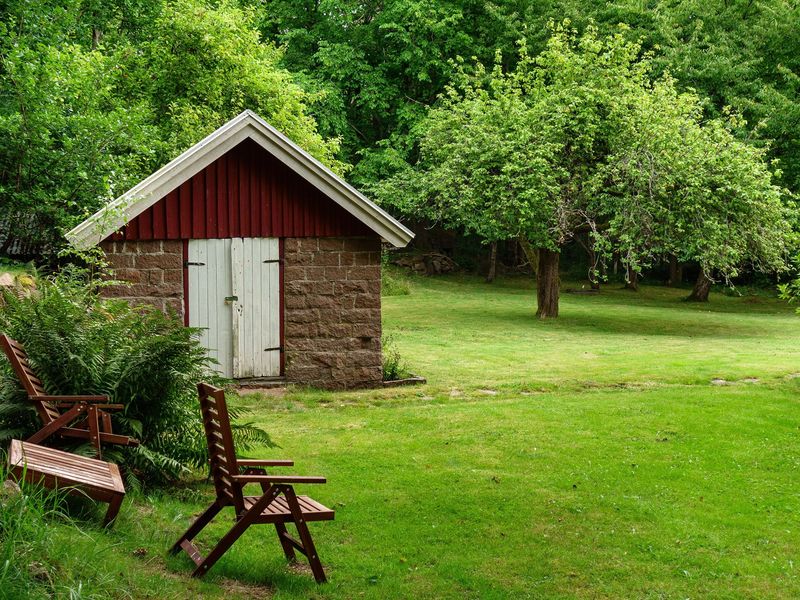
Mower garages: useful in summer, not a winter shelter
A robot mower garage protects the mower from sun, rain and falling leaves during the season and keeps the dock clean. But it is open at the front and is not insulated, so it is not a substitute for indoor storage in a cold winter. In mild coastal climates where temperatures rarely fall below freezing, some owners do leave mowers out — check your manual first.
During the winter
- Check the battery every 2–3 months. If the charge has dropped low, top it up to storage level. A deeply discharged lithium pack may refuse to charge in spring.
- Keep the app installed. Some brands push firmware or map tools in the off-season; with an RTK or LiDAR mower it is worth reading the release notes — see our firmware tracker.
- Order spares now. Blades, batteries and wheels are often discounted in winter and sold out in April.
Spring restart checklist
- 01Wait for growth Start when the grass grows again and the soil has dried — usually when it reaches 6–8 cm. Do a first manual cut if it is much longer.
- 02Clear the lawn Remove branches, stones, cones and dog toys after winter.
- 03Charge fully and update Charge the battery in the dock, then install any firmware updates before the first mow.
- 04Check wire and RTK For wired mowers, check the signal light on the dock (a broken wire is the most common spring fault). For RTK mowers, confirm the station has a fix and that the map still lines up.
- 05Start high, then lower Begin at a high cutting height and lower it gradually over two or three weeks.
Frequently asked questions
Can I leave my robot mower outside in winter?
Generally no. Most manufacturers recommend indoor, dry, frost-free storage for the mower and its battery. The boundary wire can stay in the ground; the RTK station can often stay mounted but should be checked against the manual.
What charge level should the battery have for storage?
Most lithium-ion mower batteries should be stored partly charged — roughly half to two-thirds — not full and not empty. Check the level every few months and top it up if needed.
Should I remove the battery?
Only if the manufacturer recommends it and it is designed to be removed. On many robot mowers the battery is internal and should stay in place.
My mower won't start in spring — what now?
Charge it in the dock for several hours, check the dock signal light and any error code in the app. Our error codes guide covers the most common messages by brand.
Got an error after winter? Look it up in our robot mower error codes guide. Thinking about replacing an old wired mower this season? Start with how to choose a robot mower for your yard.

We have been mowing lawns for 32 years — from a hand scythe to today’s RTK, LiDAR and vision robots. We compare, set up and troubleshoot robot mowers so you can pick the right one for your garden.